
Never Lose Your Microsoft 365 Data Again
Ransomware-proof backup for your emails, files, and Teams - fully managed for Australian businesses.
Microsoft Does Not Fully Protect Your Data
Most businesses assume Microsoft backs up everything. They don't.
- → Deleted data is permanently lost after retention limits expire
- → Ransomware encrypts synced files - OneDrive included
- → Insider mistakes cannot always be reversed
- → Legal retention requirements are not guaranteed by Microsoft
Once your data is gone - recovery is uncertain.

Your Entire Business Lives in Microsoft 365
Emails
Exchange Online - all inboxes, sent items, and archives
Files
OneDrive and SharePoint - every document and file
Collaboration
Teams channels, chats, and shared workspaces
Losing access to any of these means operational shutdown - email stops, files become inaccessible, Teams goes dark.
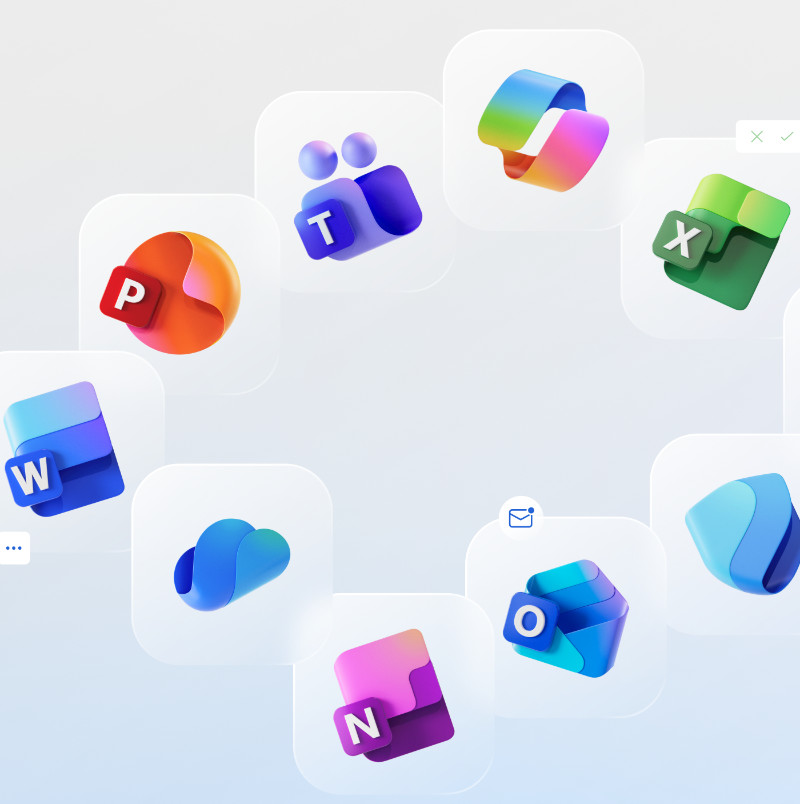
Pyneora Microsoft 365 Backup Protection
Independent, secure, and fully managed backup for your entire Microsoft 365 environment.
Independent
Vendor-neutral protection - separate from Microsoft's infrastructure
Secure
Encrypted, immutable, and compliant backups
Fully Managed
24/7 monitoring - we manage everything, you focus on your business
Simple, Secure, Fully Managed
01
Connect
Connect your Microsoft 365 environment - no infrastructure to install.
02
Automated Backups
Automated backups run daily across Exchange, OneDrive, SharePoint, and Teams.
03
Immutable Storage
Data stored securely in immutable, ransomware-resistant storage.
04
Restore Anytime
Restore individual emails, files, or entire accounts on demand - in minutes.
No complexity. No maintenance. No surprises.
Not All Backups Are Equal
| Feature | Standard Backup | Pyneora Backup |
|---|---|---|
| Retention | Basic (short-term) | 3-year retention |
| Ransomware resistance | Can be deleted or encrypted | Immutable storage |
| Management | DIY management | Fully managed |
| Recovery | Limited recovery options | Fast, granular restore |
| Data sovereignty | Varies | Australian storage |
Standard
Basic (short-term)
Pyneora
3-year retention
Standard
Can be deleted or encrypted
Pyneora
Immutable storage
Standard
DIY management
Pyneora
Fully managed
Standard
Limited recovery options
Pyneora
Fast, granular restore
Standard
Varies
Pyneora
Australian storage
Simple, Transparent Pricing
Microsoft 365 Backup Protection
When bundled with Cyber Protection Packages
- ✓ Exchange, OneDrive, SharePoint backup
- ✓ Immutable storage (1TB pooled)
- ✓ Daily automated backups
- ✓ Backup monitoring and alerts
- ✓ Restore support included
* $0 when bundled with our Cyber Protection Packages; otherwise from $49 ex. GST per month (minimum 5 users).
^ Additional storage: $15 ex. GST per TB / month.
One-time setup fees from $249 ex. GST. Additional user pricing on application.

Free Microsoft 365 Backup Audit
We'll show you:
Where your current risks are
What data is not protected
How quickly you can recover
Your compliance gaps
Delivered within 48 hours
Built on Real Enterprise Security Experience
Pyneora is led by a cybersecurity architect with experience across:
Now delivering the same protection standards to Australian SMBs - without the enterprise price tag.
Backup Is Only One Layer of Protection
Backup helps you recover - but it doesn't stop attacks. Most ransomware incidents occur because of gaps elsewhere:
Unpatched Systems
Vulnerabilities left unpatched give attackers an open door into your environment.
Lack of Monitoring
No visibility of threats across your environment means incidents go undetected until it's too late.
No Threat Detection
Attacks go unnoticed until ransomware encrypts your files - and by then, backup is your only option.
Backup is your last line of defence - not your only line.
Many Clients Start with Backup - Then Upgrade
Full cybersecurity protection includes:
- → Continuous threat monitoring
- → Patch management
- → Incident response
- → Compliance alignment
Start with a Free Backup Audit
Book Your Free Backup AuditNo obligation • Delivered within 48 hours
Or ask about our Cyber Protection Plans:
Ask About Cyber Protection Plans